Java Stream intermediate operations
Hi, today we are at version 17 of Java which does not prevent us here Around the code from taking an overview of the intermediate operations of the Stream API unveiled since version 8 of Java; Comp
Hi, today we are at version 17 of Java which does not prevent us here Around the code from taking an overview of the intermediate operations of the Stream API unveiled since version 8 of Java;
Let us understand with examples the following operations:
- filter() *map()
- flatMap()
- distinct() *sorted()
- peek() *limit() *skip()
Before seeing a series of examples to understand the operations cited, we come back to a question,
What is a Stream?
A Stream is a sequence of elements on which a group of operations can be performed sequentially or in parallel, unlike a collection or a data structure in general.
Moreover, the Java implementation clearly defines a specific interface: public interface Stream<T>
filter()
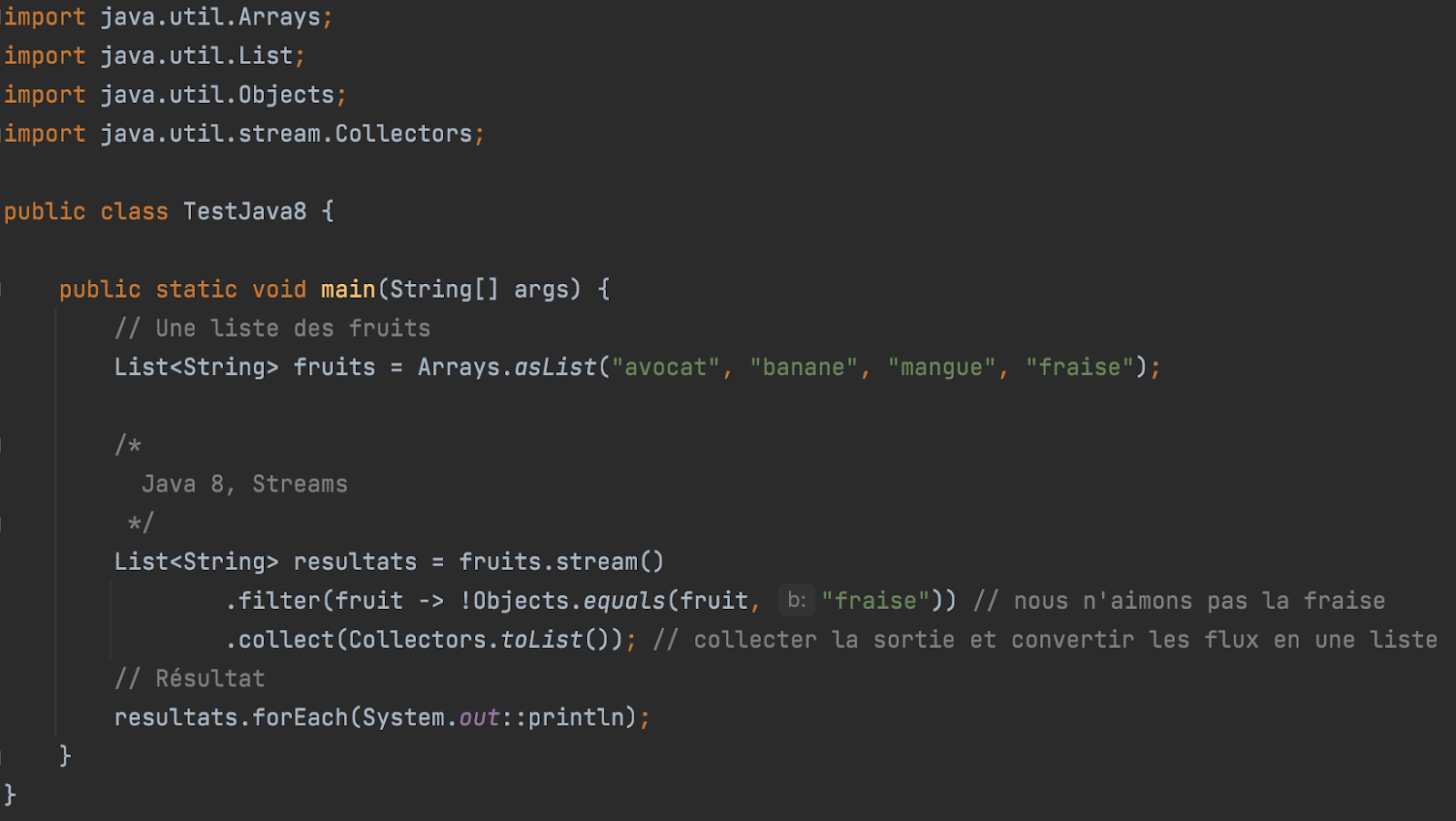
The Java Stream filter() method can be used to filter elements from a Java Stream. The filter method takes a predicate (a condition) that is called for each element in the stream. If the element is to be included in the resulting stream, the predicate must return true. If the element should not be included, the predicate should return false.
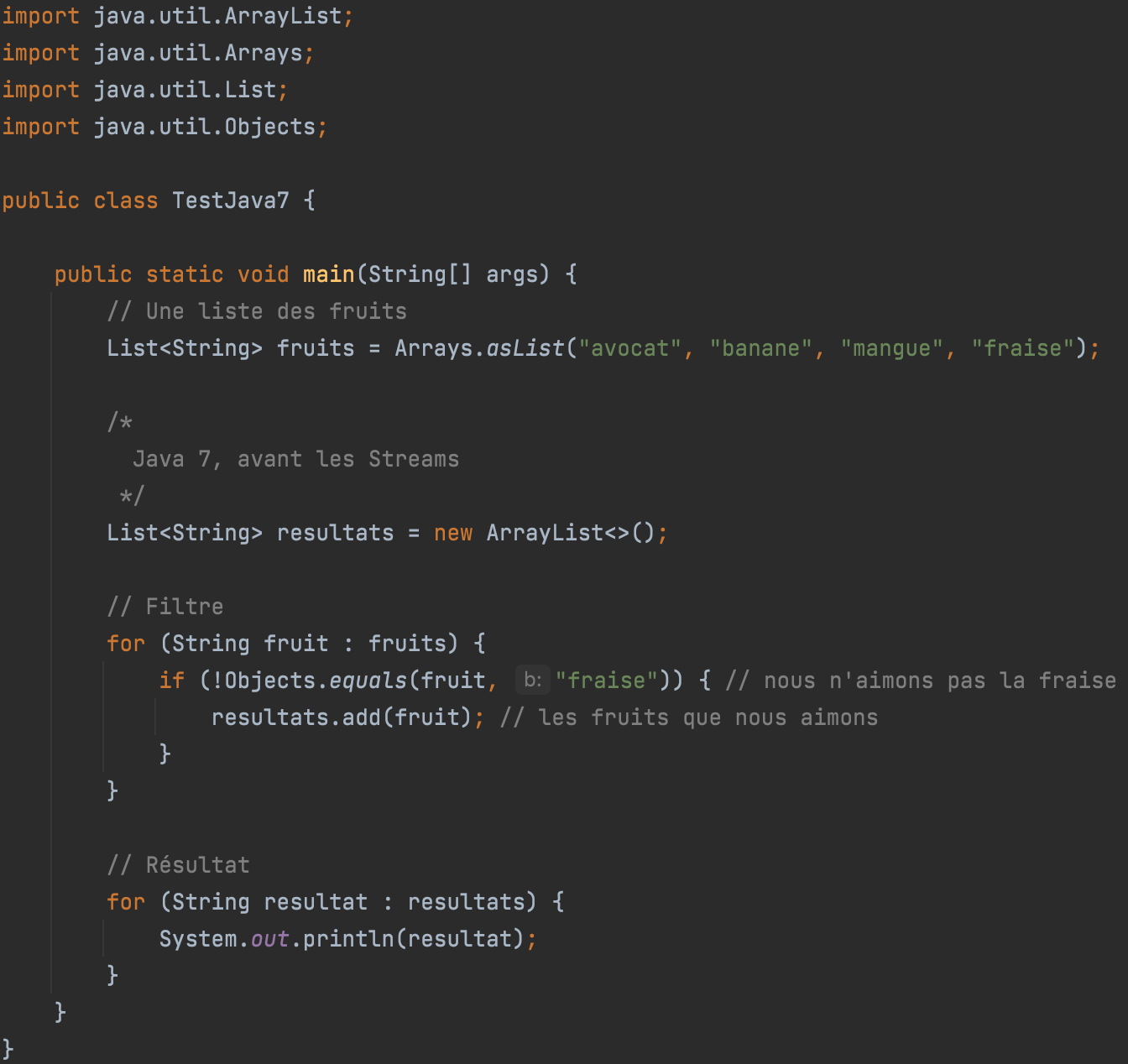
Here is an example of a filter before the arrival of Java 8:
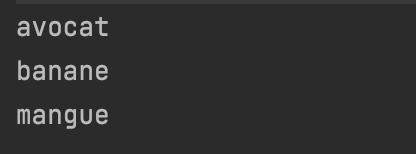
Output:
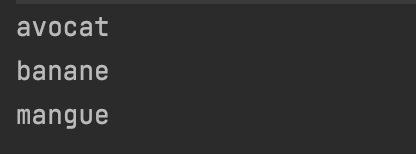
Here is an example of calling the Java Stream filter() method:
Output:
map()
The Java Stream map() method converts (map) an element to another object. For example, if you have a list of strings, it can convert each string to lowercase, uppercase, a substring of the original string, or something completely different.
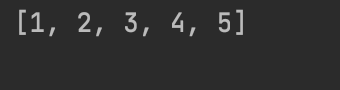
Here is an example of Java Stream map():
If you have a list of strings and want to convert it to a list of integers, you can use map() to do so.
Output:
flatMap()
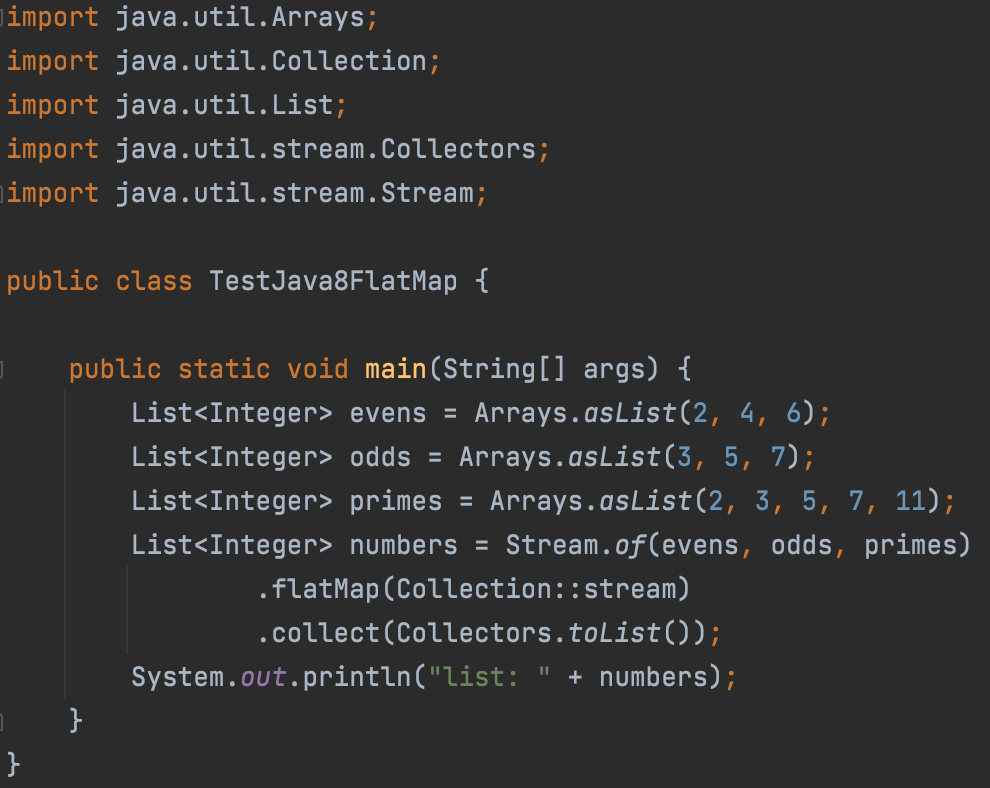
The Stream.flatMap() function, as its name suggests, is the combination of a map (convert) and a flat (flatten) operation. This means you apply the map function first and then flatten the result.
To understand what flattening a flow is, consider a structure like [[1,2,3],[4,5,6],[7,8,9]] which has "two levels". This is actually one big list containing three other lists. Flattening it means transforming it into a "one-level" structure, for example [1,2,3,4,5,6,7,8,9], i.e. a single list.
For example: In the program below, you can see that we have three lists that are merged into one using a flatMap() function.
Output:

distinct()
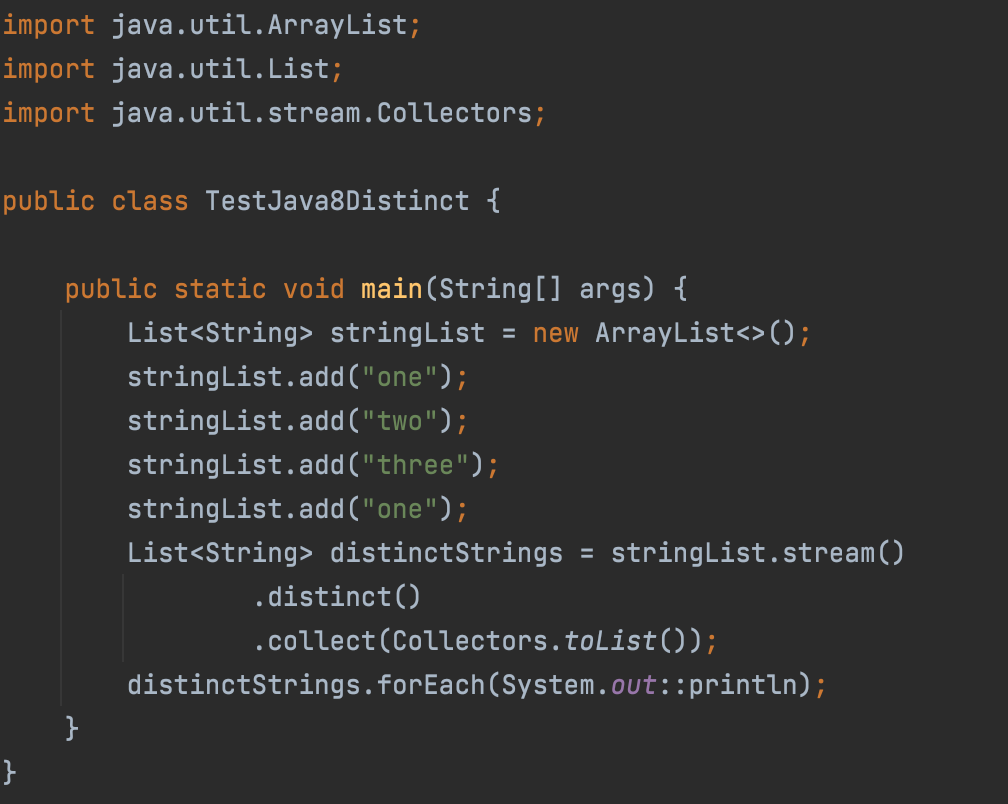
The Java Stream distinct() method is a non-terminal operation that returns a new Stream which will contain only the elements distinct from the original stream. Any duplicates will be eliminated.
Here is an example of the Java Stream distinct() method:
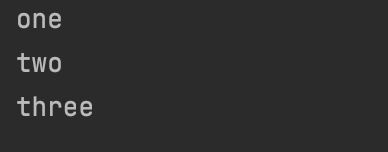
Output:
sorted()
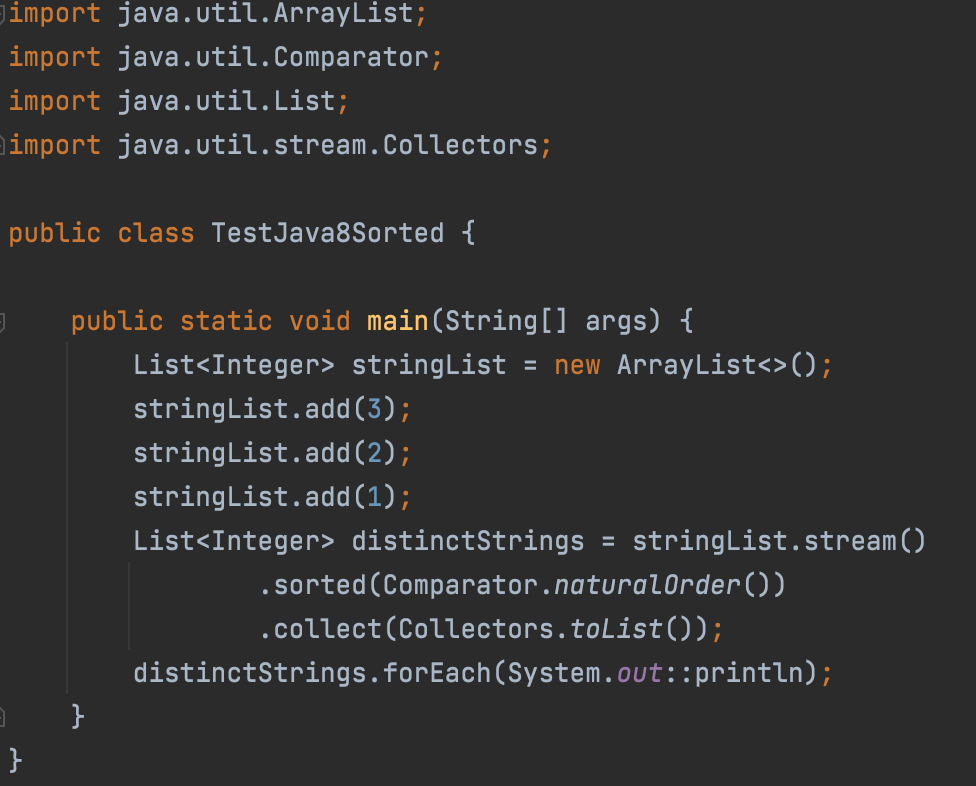
The Java Stream sorted() method is a non-terminal operation that returns a new Stream which will contain the sorted elements of the original stream. Any duplicates will be eliminated.
Here is an example of the Java Stream sorted() method:
Output:
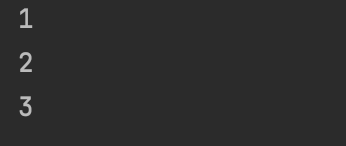
The Java Stream stored() method uses a comparator.
peek()
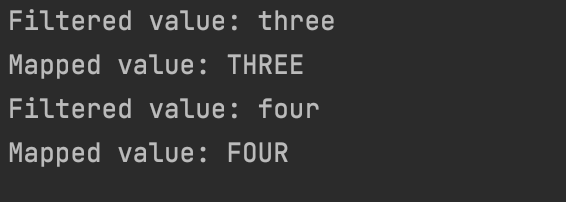
The Java Stream peek() method is a non-terminal operation that takes a Consumer interface as a parameter. The Consumer will be called for each element in the stream. The peek() method returns a new Stream that contains all elements of the original stream.
The goal of the peek() method is, as it says, to look at the elements in the stream, not to transform them. Keep in mind that the peek method does not initiate internal iteration of the flow elements. You need to call a terminal operation for this.
Here is an example of the Java Stream peek() method:

Output:
limit()
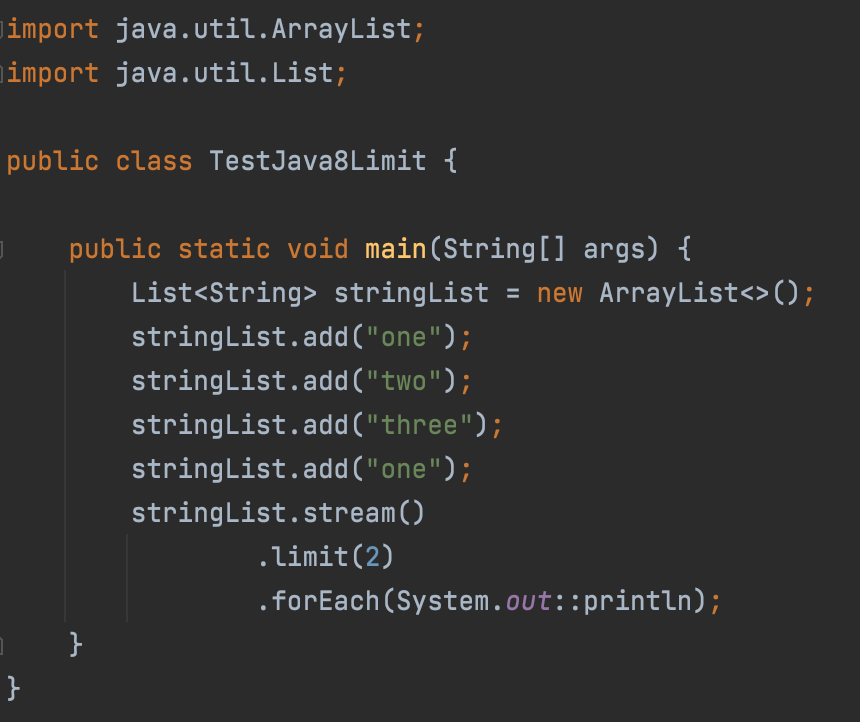
The Java Stream limit() method allows you to limit the number of elements in a stream to a number given to the limit() method as a parameter. The limit() method returns a new stream which will contain at most the given number of elements.
Here is an example of the Java Stream limit() method:
Output:

skip()
The Java Stream skip() method allows skipping the number of elements in a stream to a number given to the skip() method as a parameter. The skip() method returns a new stream.
Here is an example of the Java Stream skip() method:

Output: